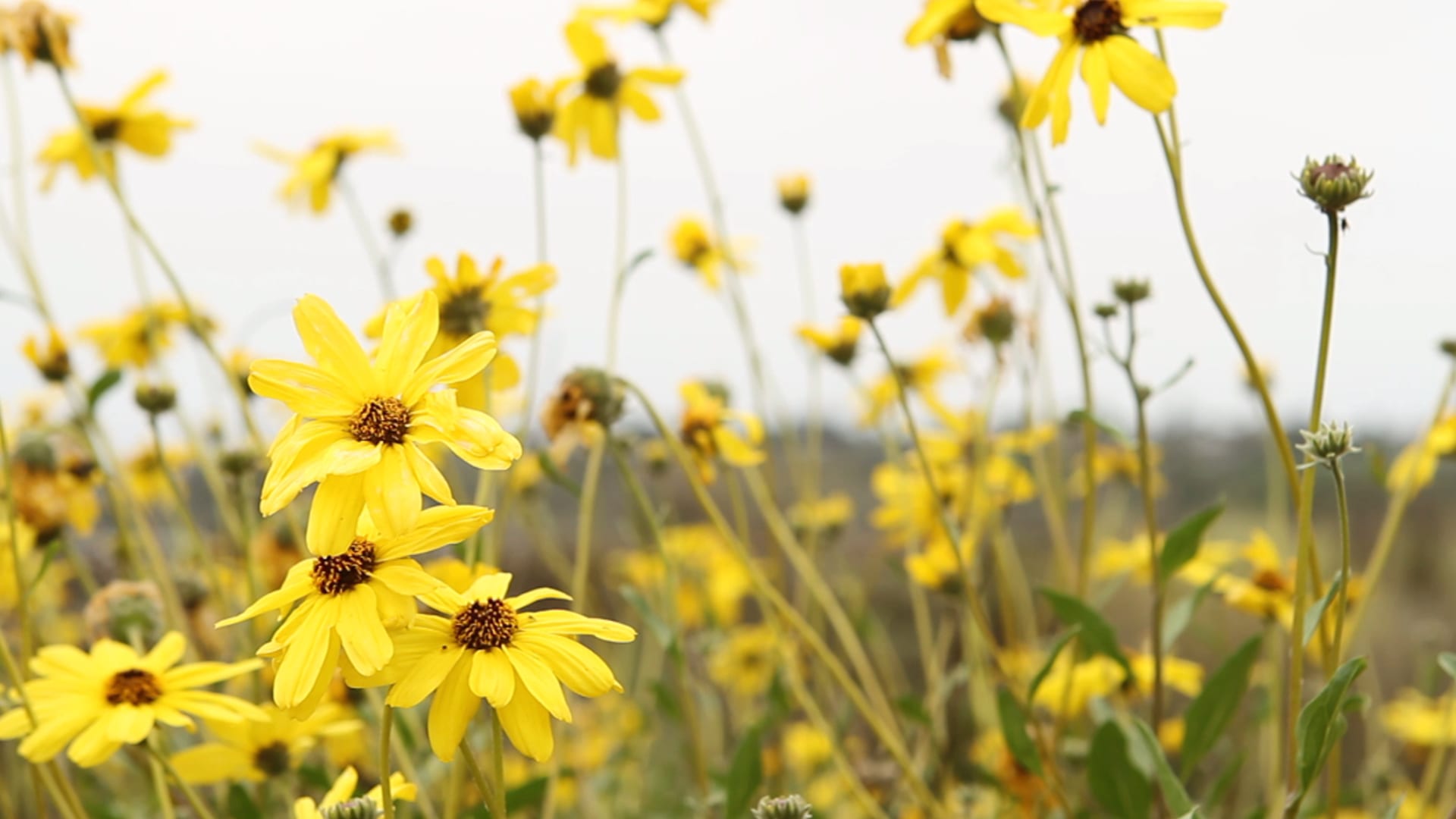
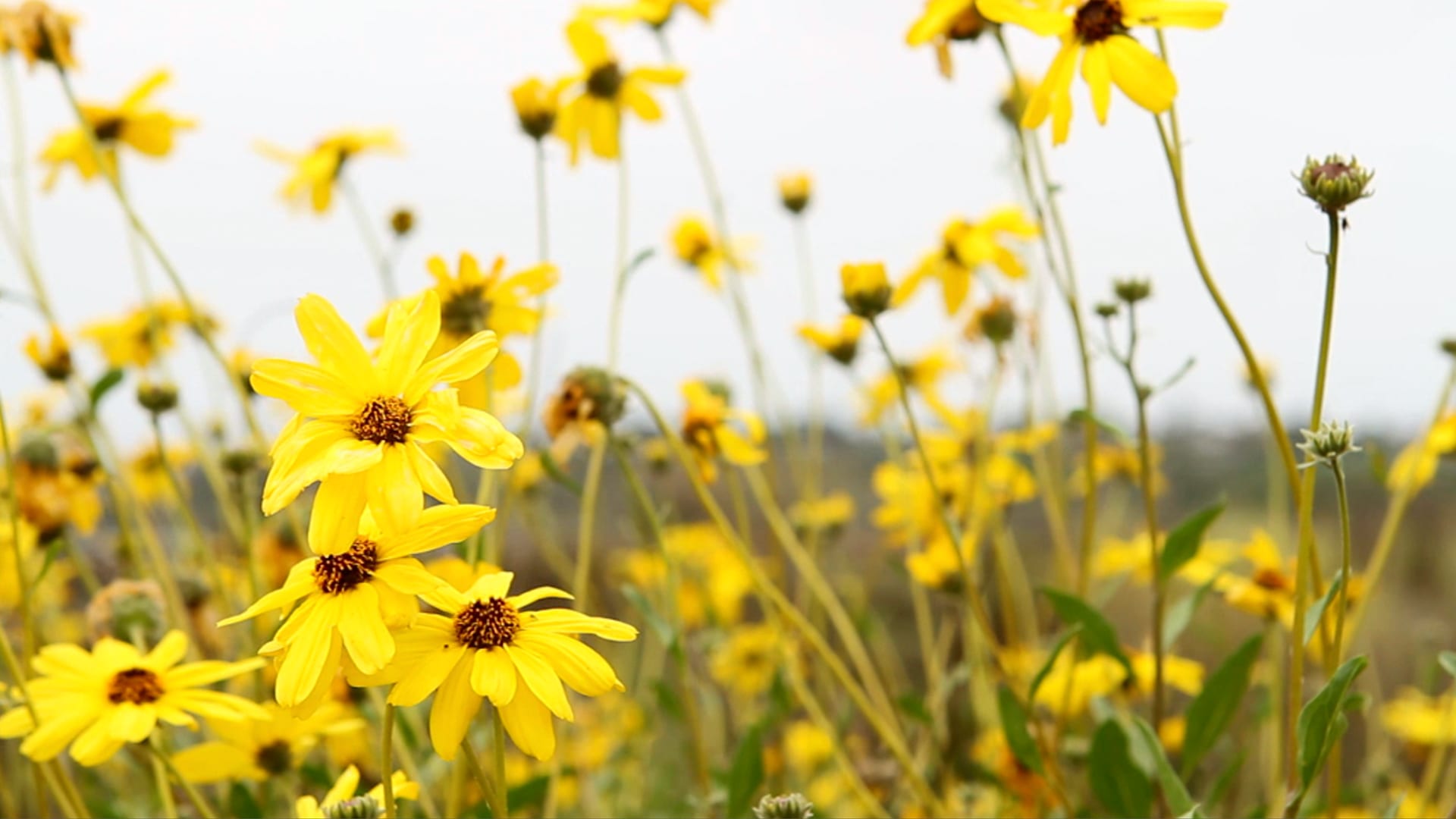
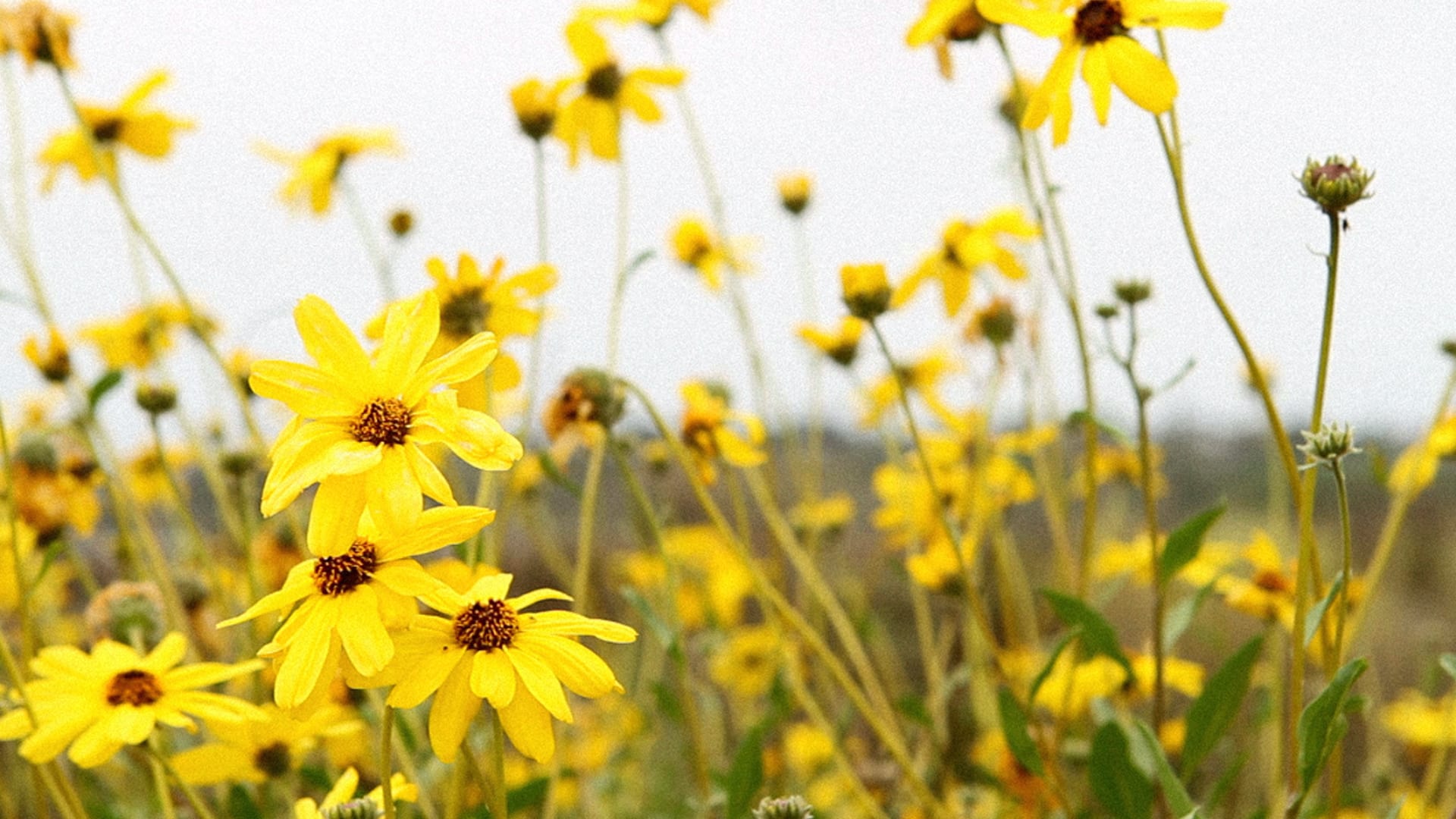
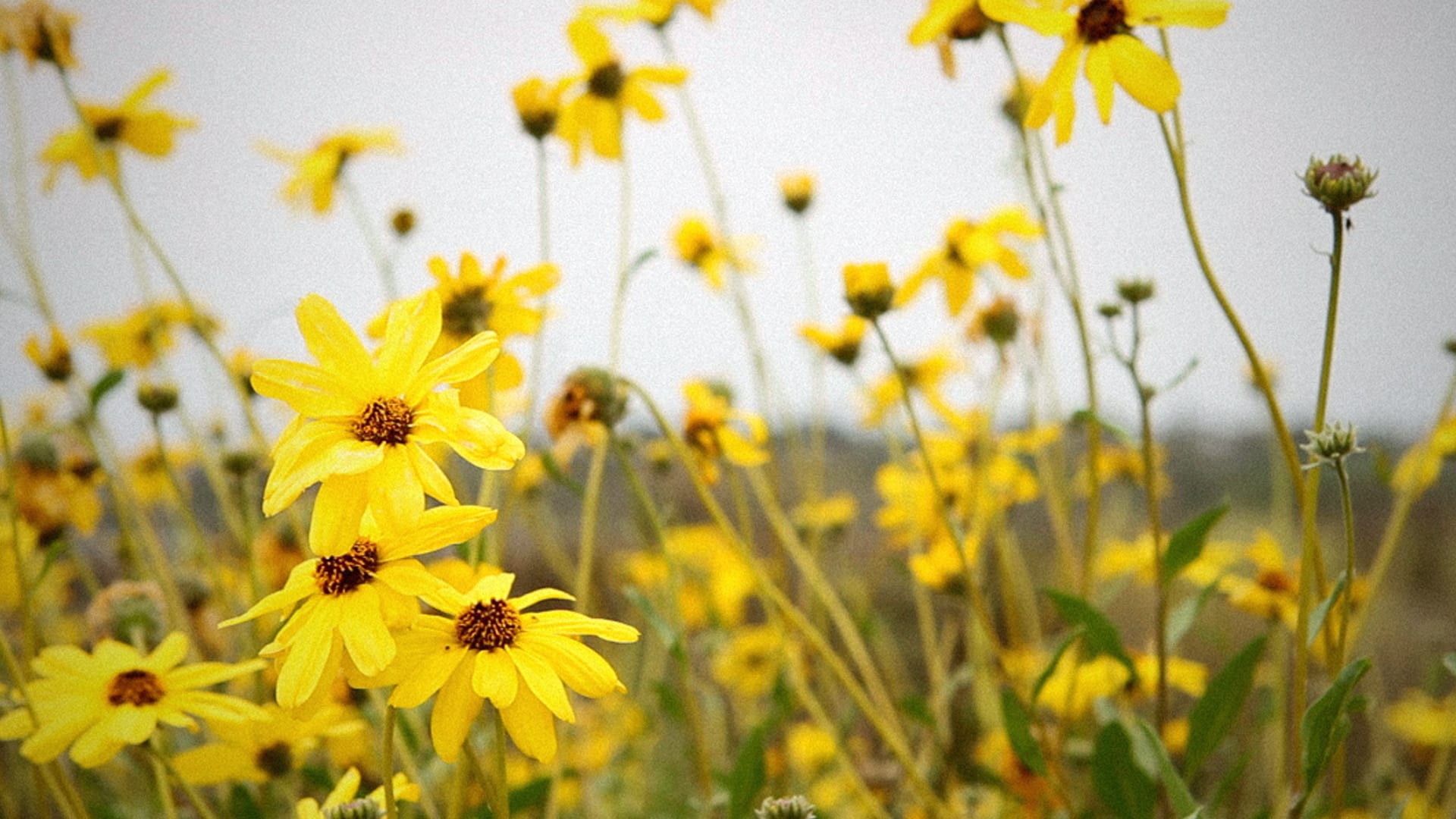
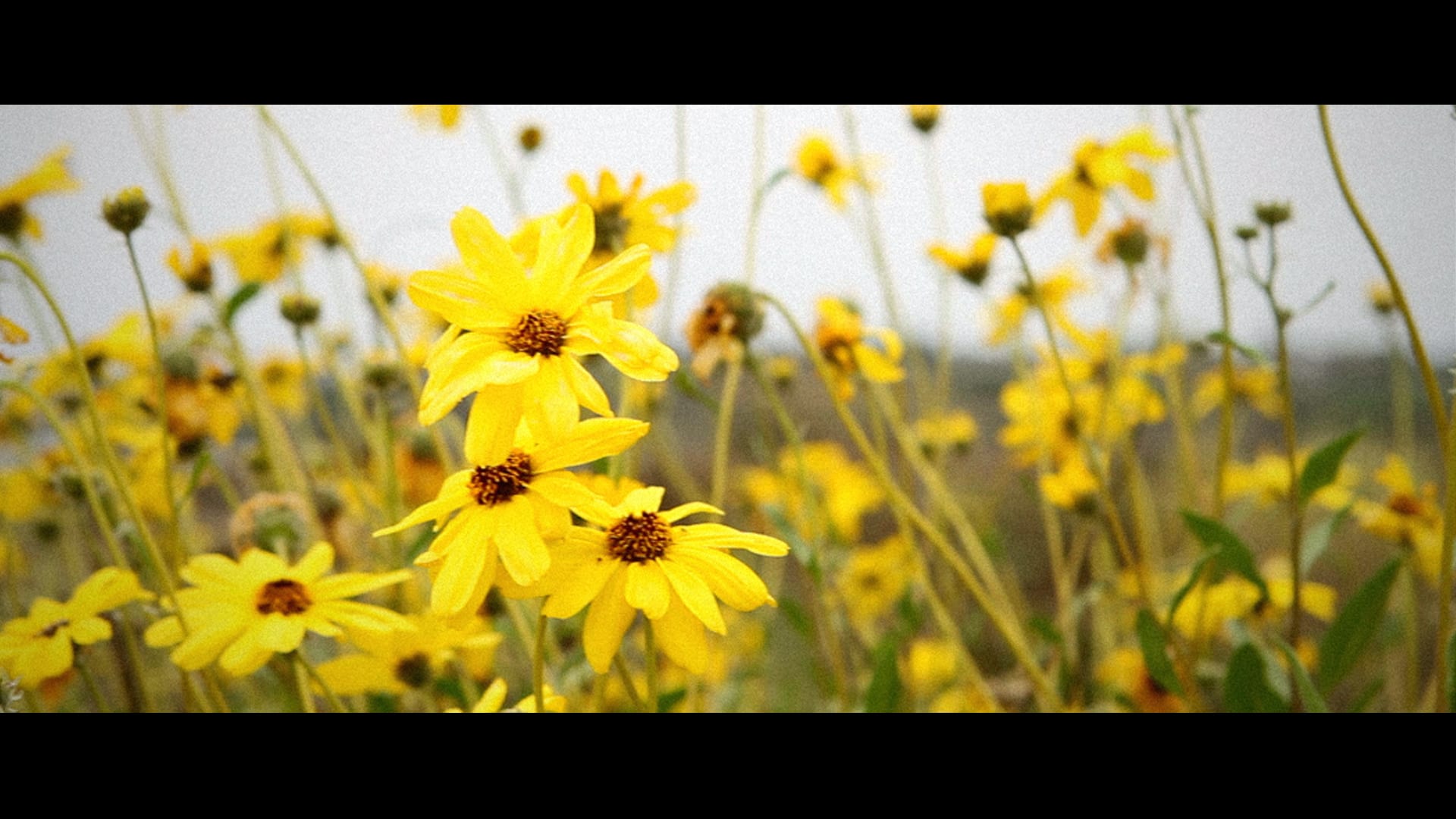
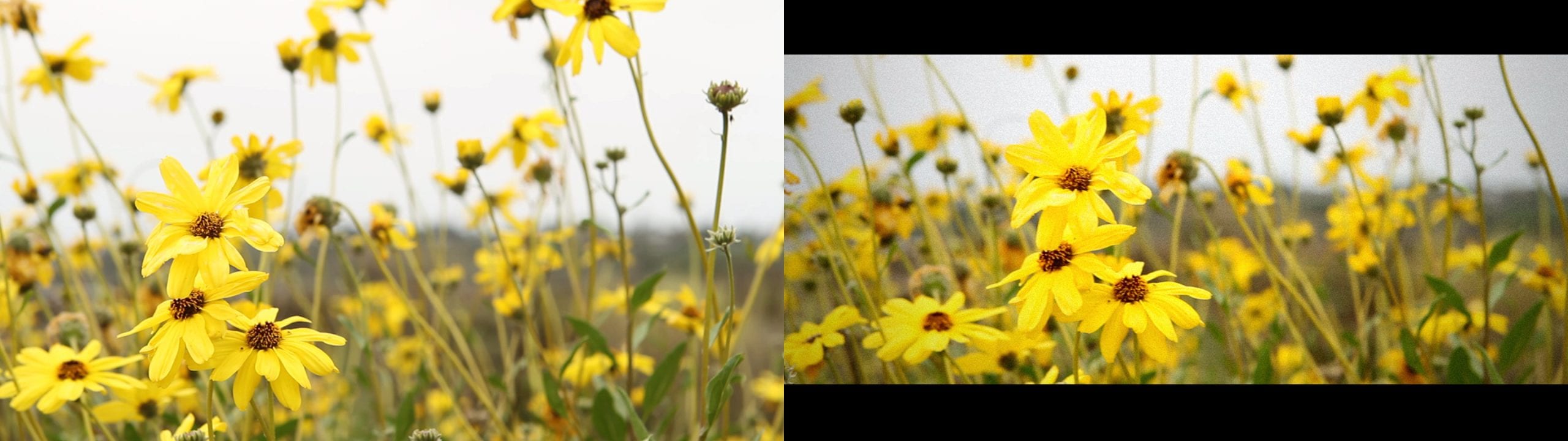
Let’s learn how to get the cinematic film look. For years, I’ve loved to make my digital video look like actual film. Of course, nothing can replace the look of real film – 24 frames-per-second flashing before your eyes. The colors and the natural grain make it truly magical to watch. But as the years go by and new technology is introduced, more and more films are being made digitally. These digital cameras have settings to replicate the look of film, and often times come close to doing so. Consumers can pick up a DSLR camera under $1000 and shoot video that looks similar to film. Add some video effects and you can get a pretty solid look.
Prior to the invention of the DSLR, it was quite hard to get the film look with a digital video camera. The ability to use different lenses changed this. The lens plays a big part in getting that film look. Depth of field (the composition of different parts of the video frame being in focus and out of focus) helps and shooting at 24 frames per second are both reasons for this. Still, the image isn’t exactly like film. Through editing, we can get close. Here at Video School Online, I always shoot on my Canon 7D because of its great potential for quality videos. I have four tips on turning your digital video into a cinematic masterpiece with a nice film look.
The first thing to do to your footage is to add some contrast. Film movies naturally have higher contrast than digital video cameras. In Adobe Premiere Pro, use the Fast Color Corrector or Brightness & Contrast filter to add contrast. Learn how to use these filters by watching the video tutorial below.
Adding grain is the next effect you can add to make your video look more like film. Just like a photography camera, film cameras using actual film have natural grain. Digital video cameras took out all possibility of having grain so we have to add it in the edit room. Use the Noise filter in Adobe Premiere Pro. Watch the tutorial below to learn how.
The last video effect necessary is to add a vignette. Just like film has a higher contrast than digital video, it also can have a subtle vignette. Add a vignette using the Circle effect in Adobe Premiere Pro. Learn how to add this by watching the video tutorial below.
Lastly, many films have a wider aspect ratio than digital cameras shoot. They use the anamorphic 2.35:1 ratio while the standard digital camera shoots a 16×9 frame. Change the aspect ratio of your composition from 1920 x 1080 to 1920 x 800 to get this anamorphic look. Make sure you move your video up or down in the frame to get the right look. Watch the tutorial below to see how I do it.
I hope you enjoyed these tips. Making your digital video look like film is fun and exciting. Of course, you shouldn’t always do this. There has to be a purpose behind it. Sometimes it is better to have the clean look of digital video. But if your video calls for the film look, use these tips to get the job done.
Cheers!
Phil
🎉 Are you ready to party? 🎉 I'm doing a Purple Friday Party to celebrate…
Learn more about our Advanced Videography Course: Do you ever watch a video and wish…
*** The Complete Instagram Marketing Course is now LIVE. Grab it for just $9.99 for…
You can make better YouTube videos from home with any equipment. Join our new complete course!…
Do you have a Sony camera? Do you want to be comfortable and confident using it to…
This Digital Marketing course will help you get more business leads and convert them to…